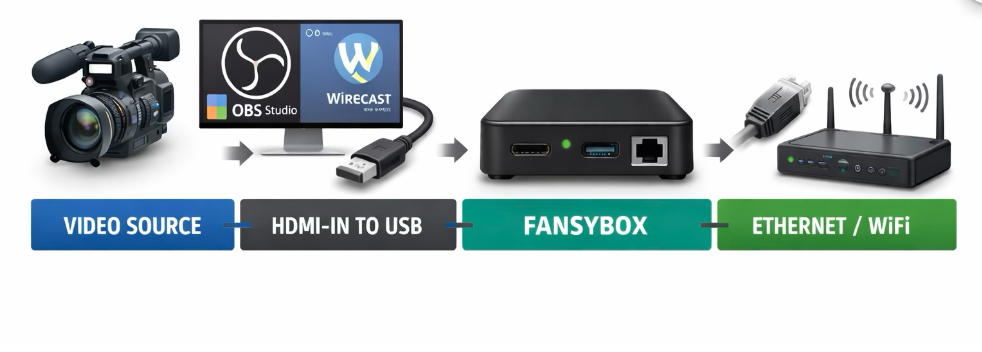
Launch OBS and connect the live stream with the graphics you want to overlay the live action.
On the screen that shows the output as it will be streamed to the internet, right-click inside the output stream screen, as shown below:
Includes solutions for Network, Video, Cloud, Firmware, and Hardware issues.
Launch Wirecast and connect the live stream with the graphics you want to overlay the live action.
Then click on the output stream window in the Wirecast interface. In the menu click on Output; in the drop-down menu click on Secondary Display Line Output, as shown below